
Tech Screening Instructions
You’re on the road to becoming a teletherapist with Spindle, powered by VocoVision!
First, we need you to complete and pass our tech screening process to verify your technical savviness and the capability of your equipment. You need to satisfy the following requirements and submit the tech screening form based on the device you're using.

Internet Speed Test
Minimums: 15Mbps Download Speed, 3 Mbps Upload Speed

Secured WiFi Connection
"Connected" and "Secured" Visible

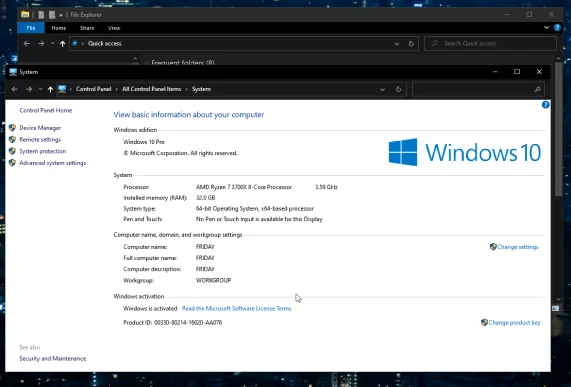
Computer Specifications
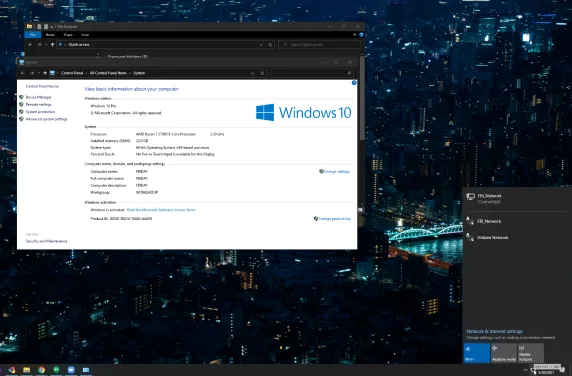
Screenshot of Processor Speed and RAM Details *NOTE* Chromebooks NOT Allowed
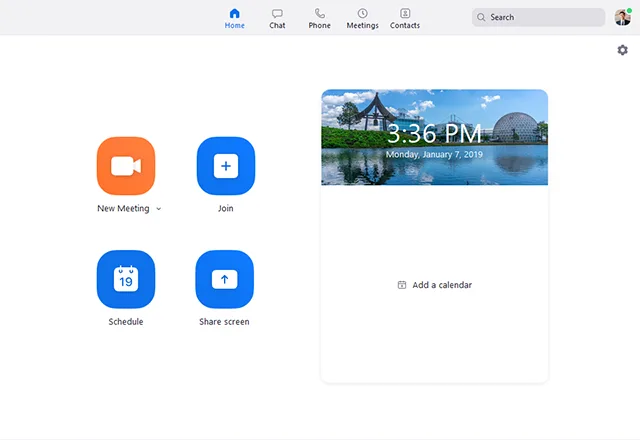
Timed Zoom Session
Demonstration of Technical Capability
Instructions for Mac
Computer Screenshots
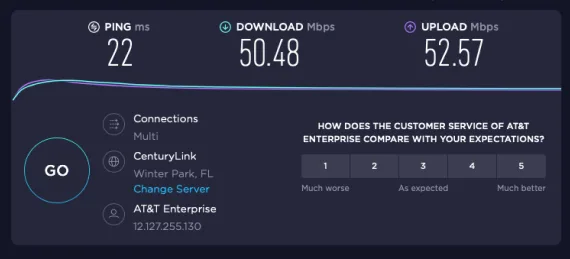
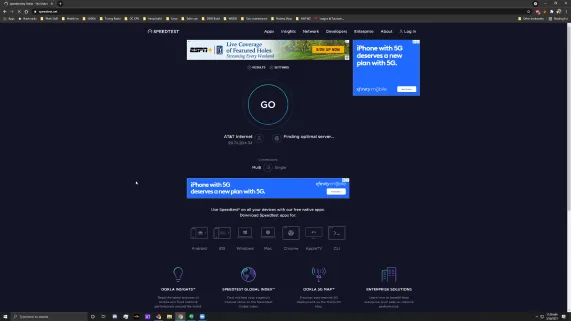
Internet Speed Test
- Go to www.speedtest.net
- Click on “Go” button and let the test run
(When finished, “Ping,” “Download,” and “Upload” will show) - Save a screenshot
Secured WiFi Connection
*Satellite internet and Hotspots cannot be used for Teletherapy.
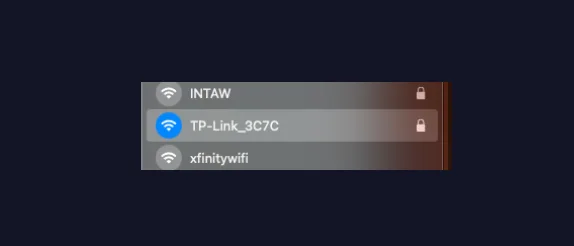
- Click on the WiFi Symbol at the top right
(Symbol is located at top right of the screen) - Your WiFi should have a lock symbol next to it
- Save a screenshot
Computer Specifications
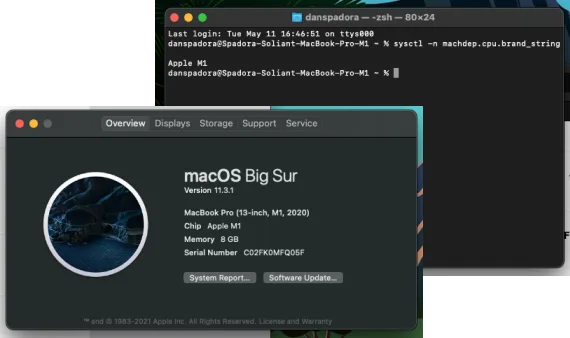
- Click the Apple icon, select “About This Mac,” and screenshot it
- Search for “Terminal”
(Use your Spotlight Search to search) - Open Terminal, type "sysctl -n machdep.cpu.brand_string”, press Enter
- Save a screenshot
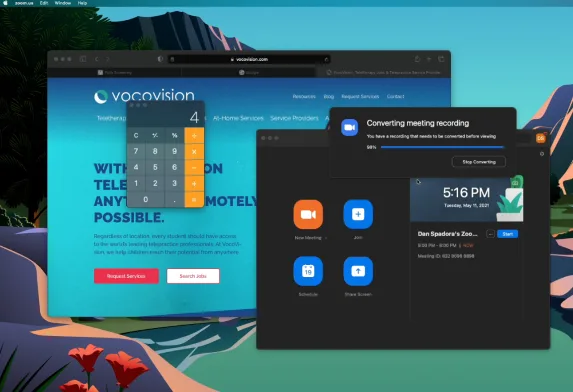
- Start your video.
- Share Zoom whiteboard and write your first name. Stop sharing whiteboard.
- Open browser, go to www.google.com, share this screen. Above the Google logo, use the Annotate function and type your favorite color on the screen.
- Open another window and go to www.vocovision.com and share this screen. Stop screen share.
- Open calculator tool on computer and start screen share. Add 2+2. Close calculator and stop screen share.
- Mute microphone, say “Hello”. Then unmute your microphone.
- Stop video. Start the video again. Wave at the camera and say “GoodBye.”
- Stop recording. End Zoom session and save the recording.
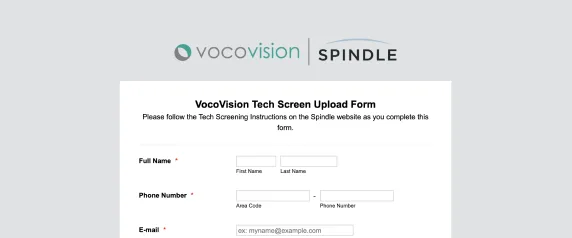
Upload Files
Who is Vocovision?
Completing and passing our tech screening opens a world of possibilities as a Spindle teletherapist, in partnership with VocoVision. Learn more about work-from-home positions as a tele-practitioner in a variety of specialties including speech-language pathology, school psychology, occupational therapy and more.